Docs
Everything you need to use pastebin.ca well.
pastebin.ca is a short-link paste service for text and code. Start with a paste, choose how discoverable it should be, share the right link, and keep control through expiry, accounts, revisions, and automation tools.
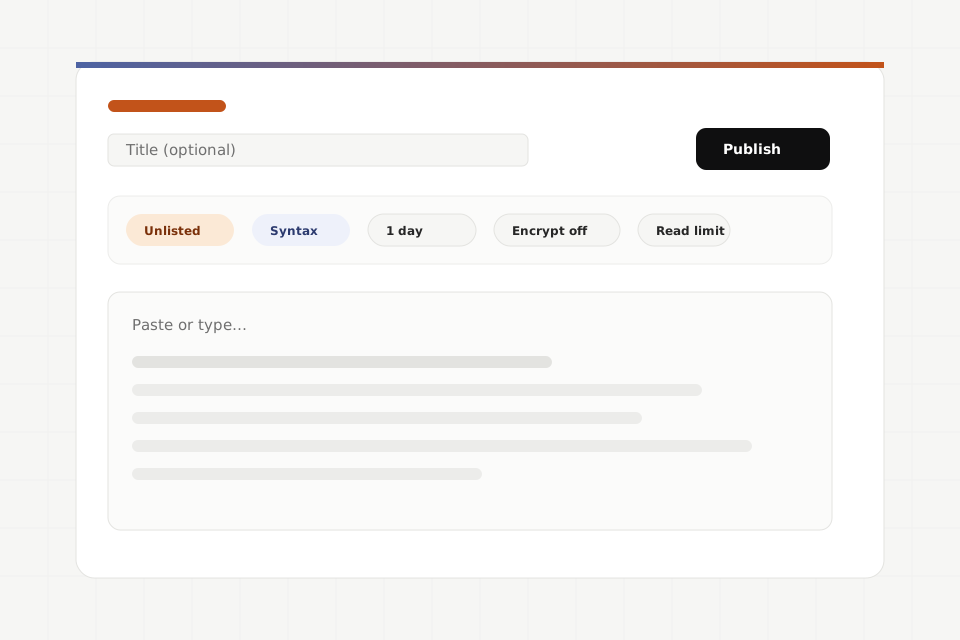
What are you here to do?
Practical pastebin.ca workflows
Use these guides as working recipes for logs, private handoffs, release notes, revisions, encryption, CI, raw reads, MCP clients, lifecycle controls, and embeds.
Visibility and access are separate choices
Visibility decides where a paste is listed. Access decides what someone needs before the paste opens. Choose both before sharing.
| Mode | Where it appears | Use when |
|---|---|---|
| Public feed | The public feed, RSS-style discovery, and public surfaces. | You want broad discovery and are comfortable with indexing, copying, and archiving. |
| Profile | Your public profile, without necessarily being promoted in the main feed. | You want a durable public portfolio or reference list tied to your account. |
| Unlisted | Nowhere intentionally listed by pastebin.ca. | You only want people with the full URL to find it. |
| Mode | How it opens | Use when |
|---|---|---|
| Public access | Anyone with the paste URL can read the plaintext until it expires or is revoked. | The content is safe to disclose to every link holder. |
| Signed URL | The URL includes a capability token in the query string. | You want a stronger bearer link that is not just the paste ID. |
| End-to-end encrypted | The browser decrypts ciphertext with a URL fragment key or recipient key. | The service should store ciphertext instead of plaintext. |
View code and text with reader controls
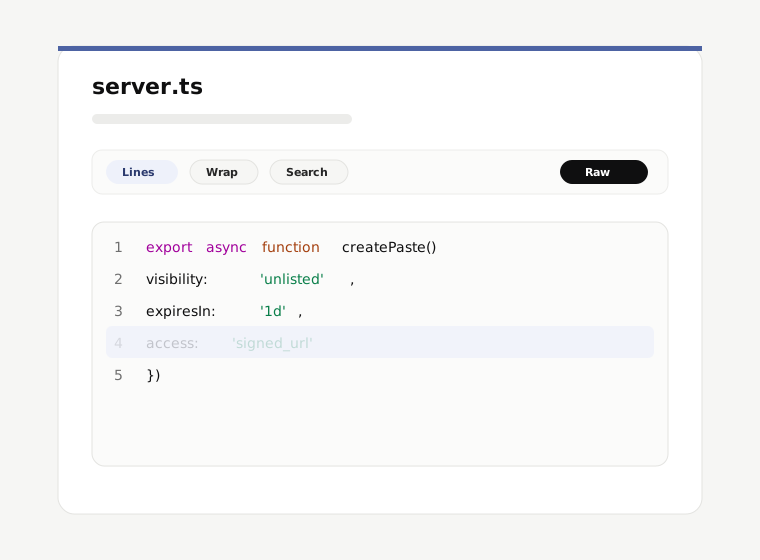
Paste pages are optimized for reading and sharing exact references. The toolbar keeps view preferences local to your browser.
- Line numbers and line links
- Click or copy a line reference when you need to point someone to a specific section.
- Wrap and font controls
- Toggle wrapping, font size, tab width, striping, and mono font preferences for comfortable reading.
- Search and copy
- Find text in long pastes and copy individual lines or the full paste when available.
- Raw, JSON, download, and embed
- Use alternate representations when you need plaintext output, metadata, downloads, or an iframe-safe embed.
Revisions, diffs, forks, and line links
Published paste content does not change in place. When content evolves, pastebin.ca keeps the old URL meaningful and creates new, linkable history.
- Existing paste URLs keep pointing at the content that was published there.
- Account owners and automation tools can amend a paste by creating a new version in the same lineage.
- Plaintext versions can be compared with unified diffs when you need to review what changed.
- Line anchors make code review and support threads precise.
- Forks create new paste URLs while preserving attribution to the source paste.
Accounts, passkeys, and automation tokens
An account is optional for quick anonymous pastes. Sign in when you want persistent paste history, revocation controls, recipient encryption, connected apps, or API tokens.
CLI, API, and MCP entry points
Choose the interface that fits your workflow: the browser for interactive sharing, the CLI for terminals, REST for scripts, and MCP for agent-capable clients.
Privacy, abuse, and safety
Treat public pastes as public, treat unlisted links as bearer secrets, and do not publish credentials or sensitive data unless you understand the chosen mode.